
One last look.
Then it’s your call.
A swipe can be quick. The final decision deserves a pause. Review the marked items and make sure the photos you want to keep stay in your library.
Get Pixtrim for iPhoneiOS 17+ · Free to download · In-app purchases
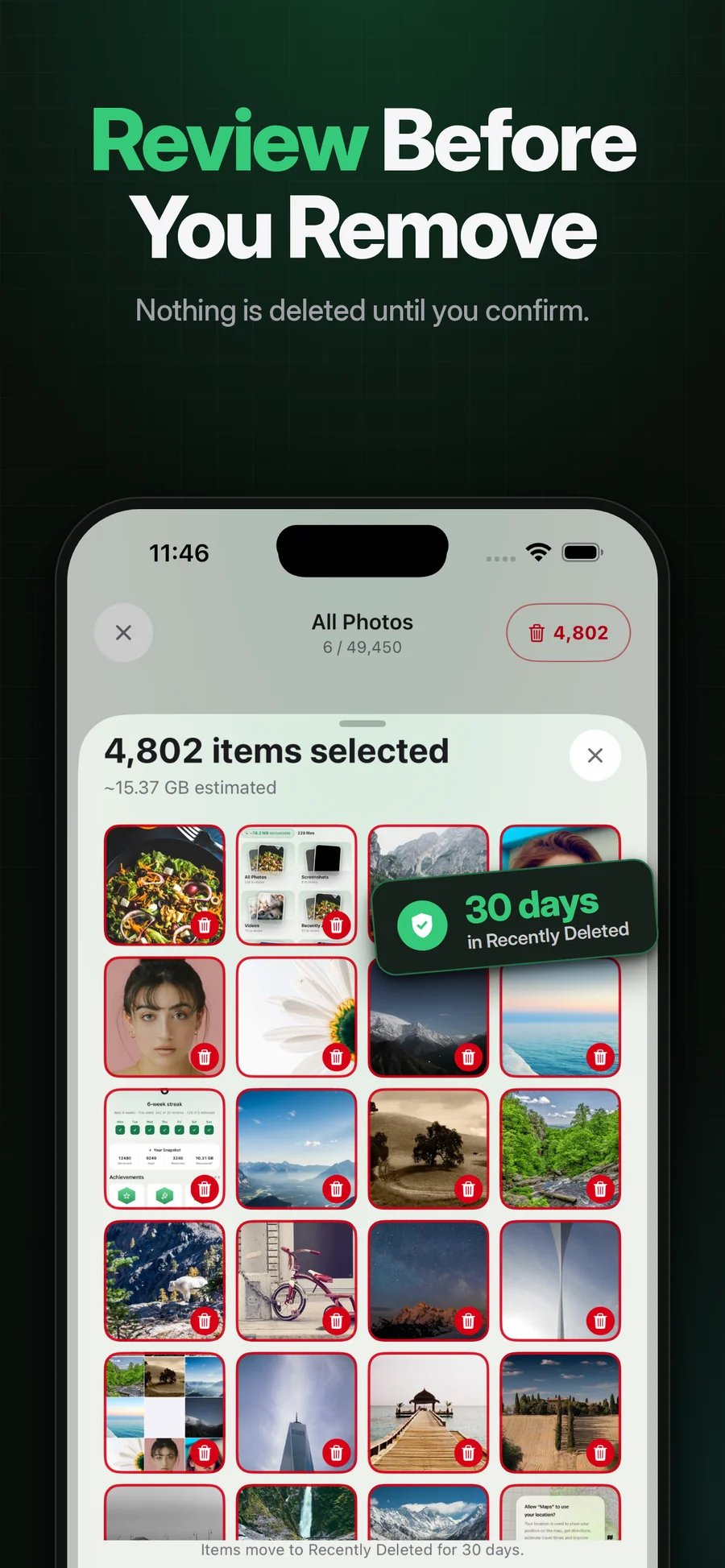
Supplied App Store artwork. Library contents and storage figures are examples. Some screens show the earlier Swipe Wipe name.
Confirmation is part of the cleanup.
Pixtrim separates marking a photo from confirming removal. After a swipe session, look through the selected items and keep anything you are uncertain about. The operating system’s deletion dialog is another moment to check the scope.
This is not a guarantee against every mistaken choice. Back up important media independently and understand iCloud Photos synchronization before deleting. A synchronized library is not a separately protected archive.
Simple choices.
A deliberate finish.
Mark the extras
Use the review flow to choose items you think you no longer need.
Look through the selected group
Change your mind about an item before confirmation.
Read the iOS confirmation
Approve only the removal you intend, with iCloud effects in mind.
A useful pause
Give uncertain photos another look.
Your own judgment
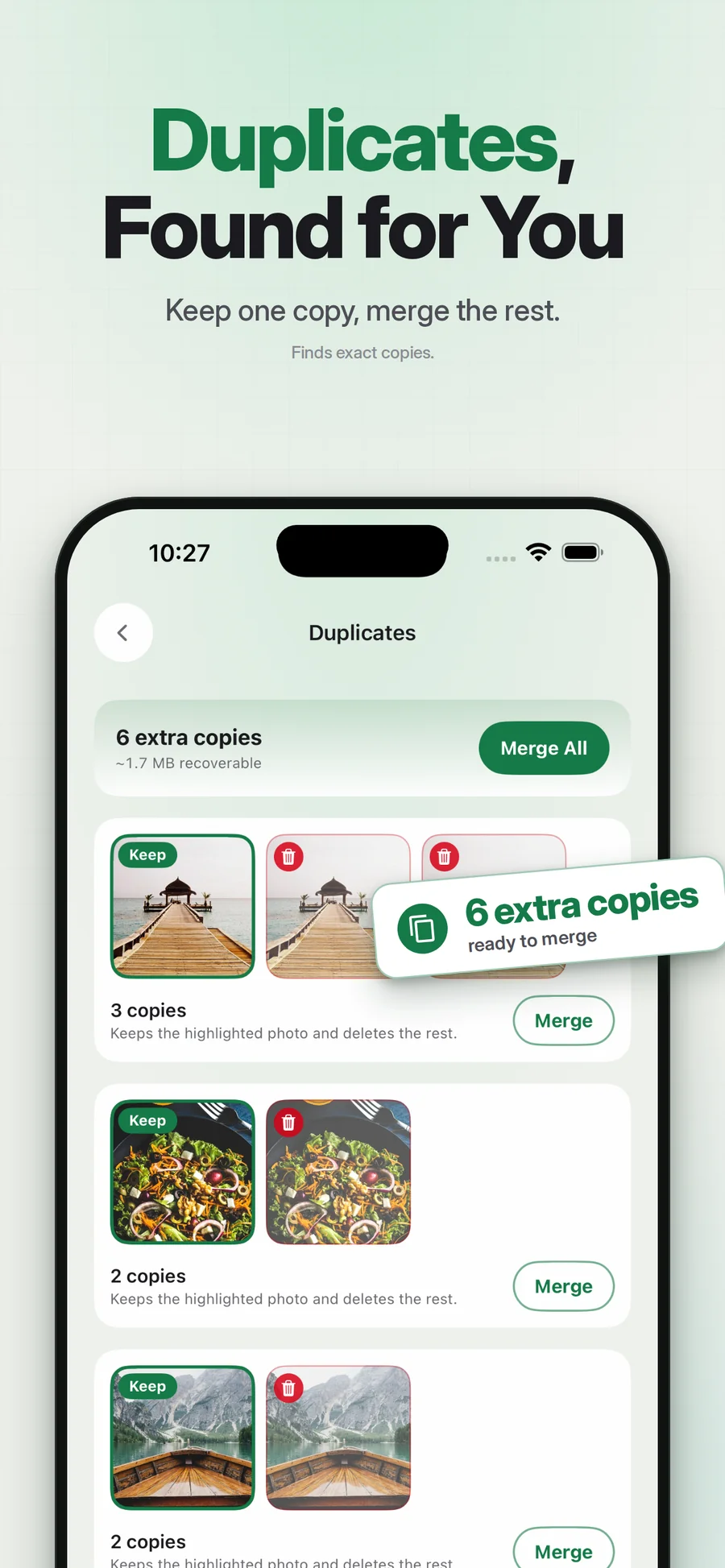
A detected duplicate or blurry shot can still be worth keeping.
An honest safety boundary
Recovery is controlled by iOS and account conditions, not guaranteed by a cleaner.
Can deleted photos always be recovered?
Will deletion leave my iCloud copy alone?
Keep exploring.
Keep the photos you love.
A swipe can be quick. The final decision deserves a pause. Review the marked items and make sure the photos you want to keep stay in your library.
Get Pixtrim for iPhoneiOS 17 or later · Free to download · In-app purchases