
A cleaner camera roll.
One swipe at a time.
Give every photo a simple decision. Keep the moments you love, mark the extras, and take one last look before anything is deleted.
Get Pixtrim for iPhoneiOS 17+ · Free to download · In-app purchases
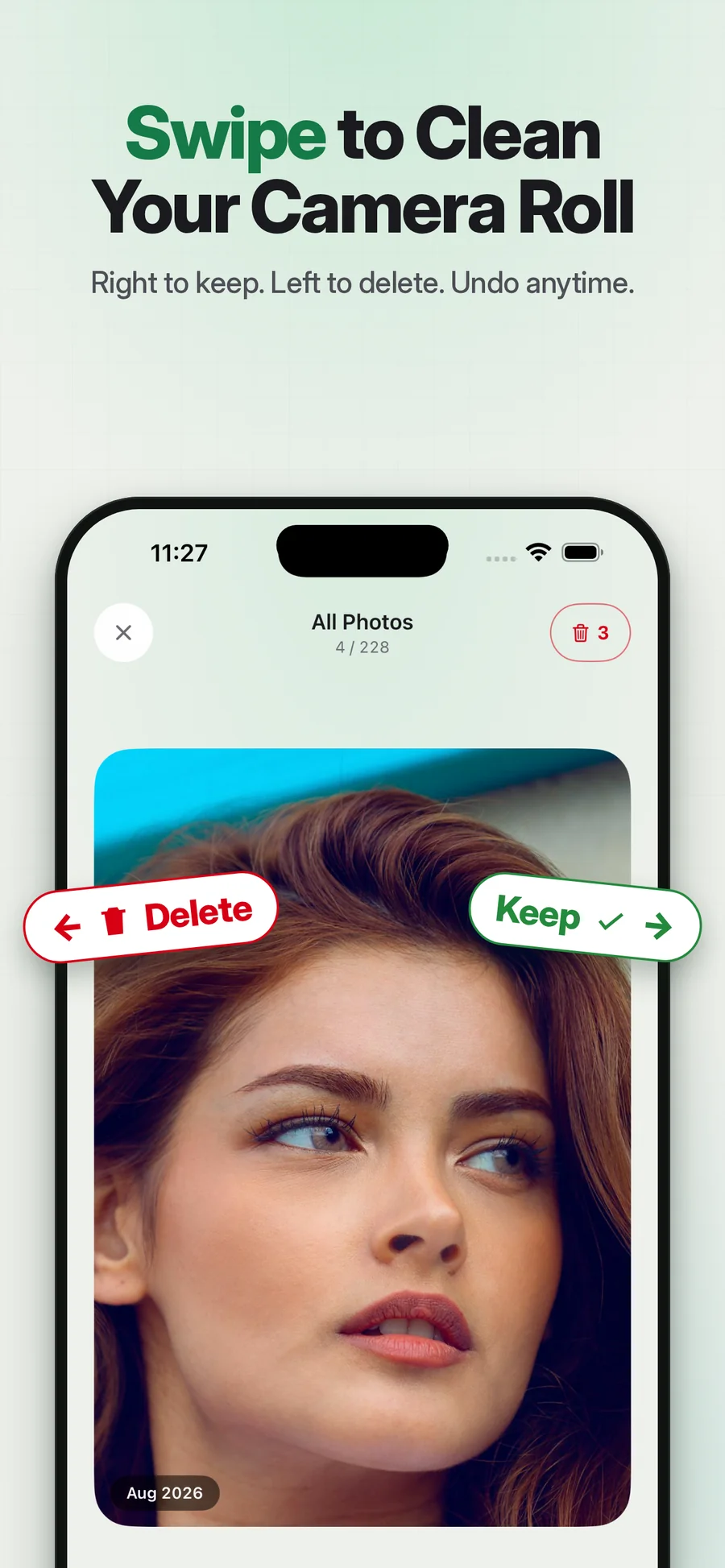
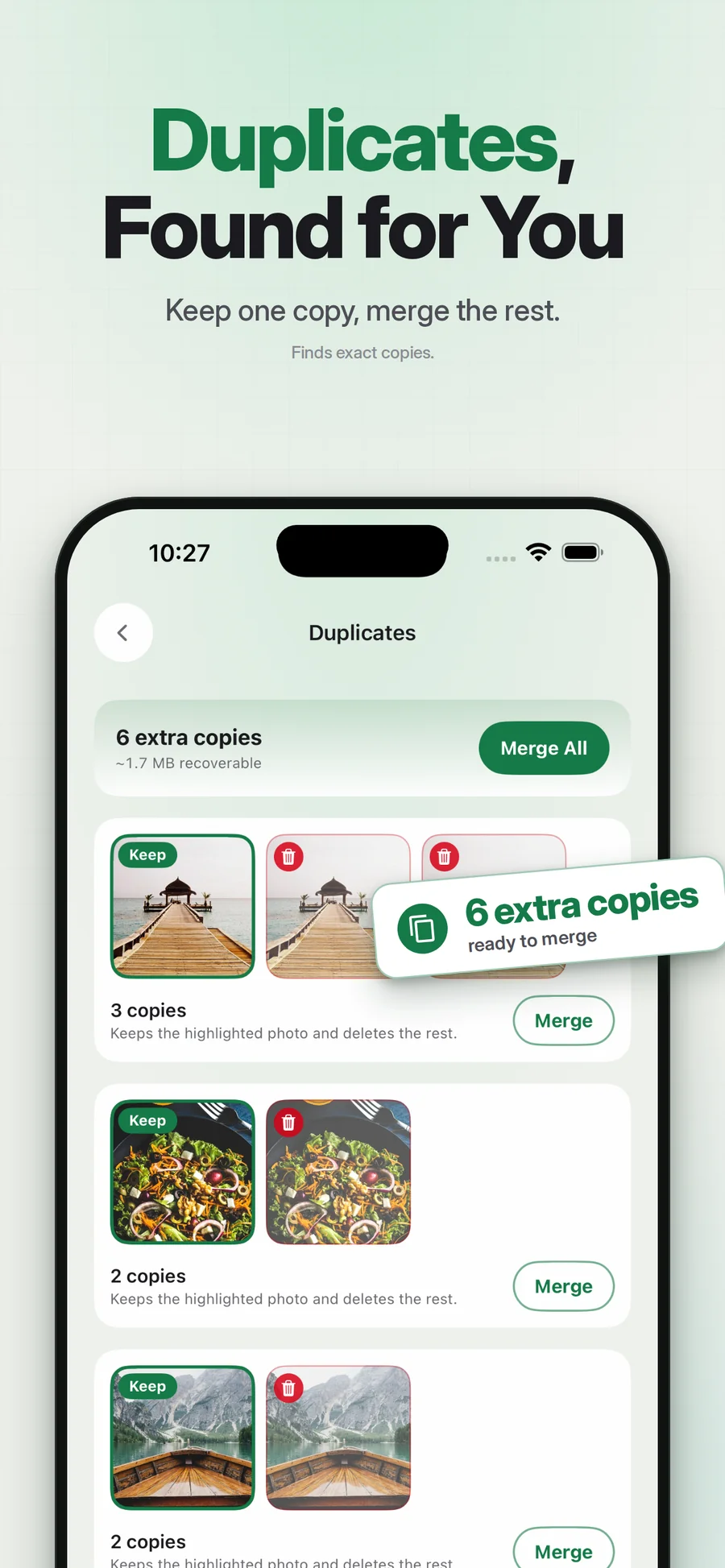
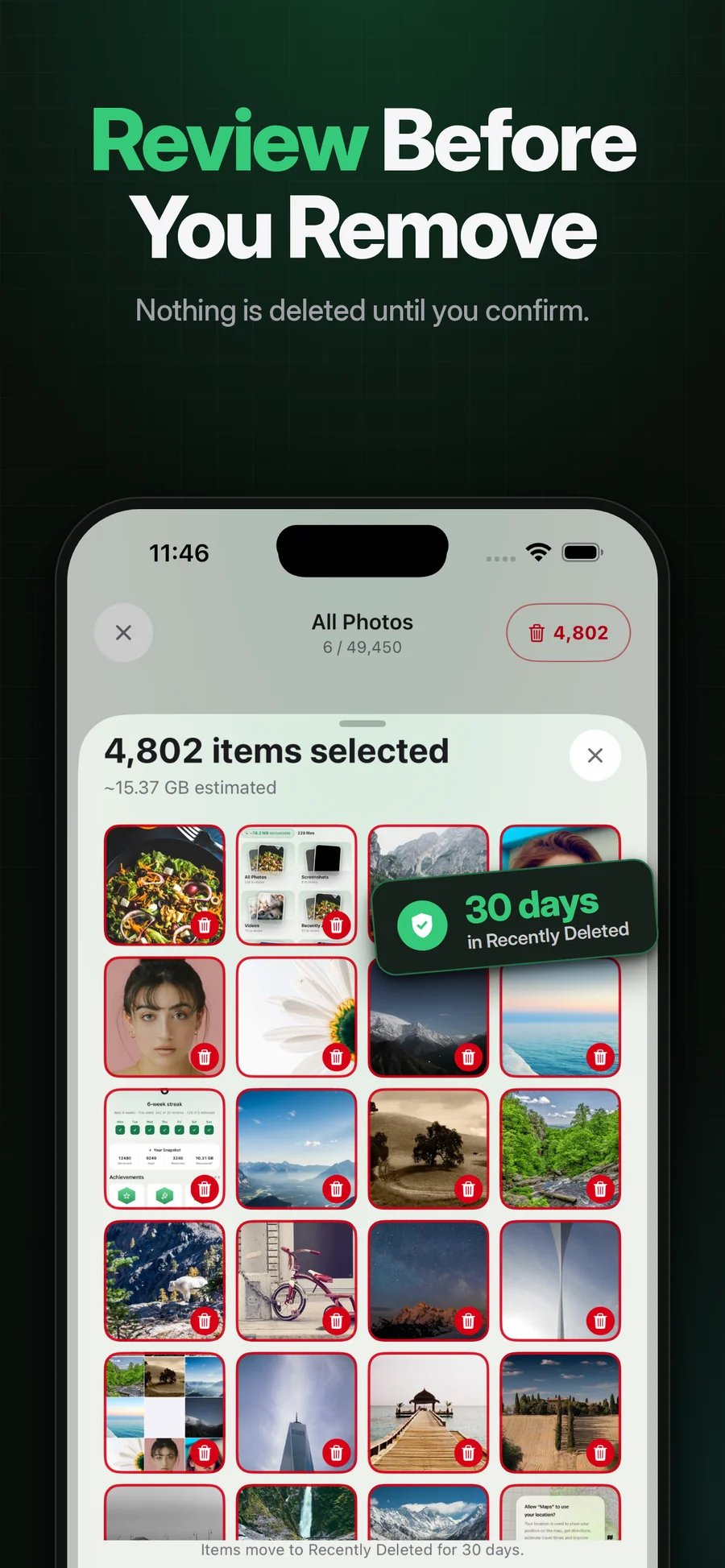
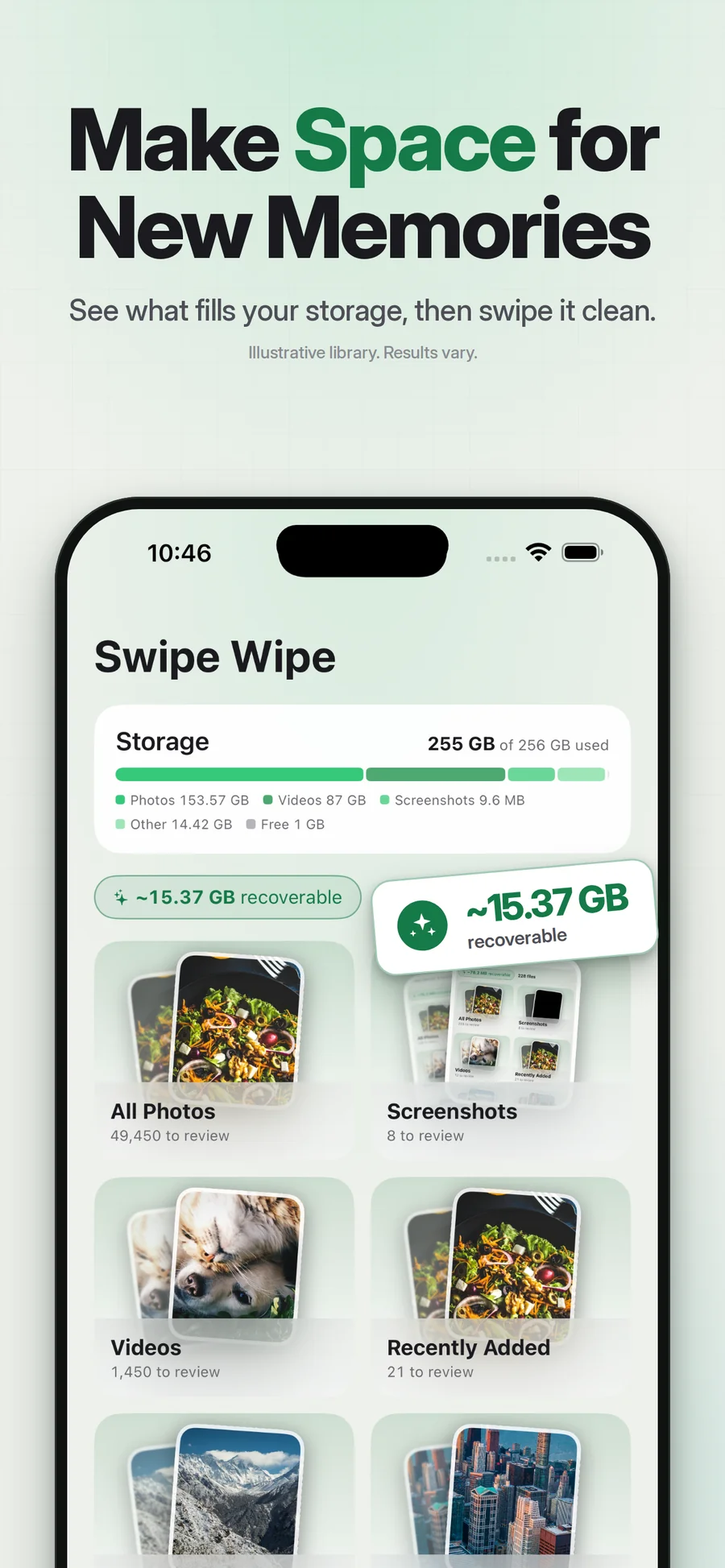
Supplied App Store artwork. Library contents and storage figures are examples. Some screens show the earlier Swipe Wipe name.
Less grid. More focus.
A camera roll is a mix of favorites, forgotten screenshots, accidental captures and photos you have not decided about yet. Pixtrim puts the current picture in front of you so you can make a more focused choice.
Swipe right to keep it. Swipe left to mark it for deletion. Move through a group you recognize, then review the marked items before the operating system asks you to confirm removal. Keep uncertain pictures for another session.
Simple choices.
A deliberate finish.
Choose a starting point
Open a month, album or supported cleanup group. A small session is enough.
Swipe to make the call
Right to keep, left to mark. Look at the photo rather than rushing the count.
Review, then confirm
Check the marked selection and approve the native iOS deletion dialog.
Your attention, one photo at a time
A larger review view can be useful when thumbnails are not enough to make the choice.
A manageable session
Start with a month or collection and return to the library when you have time.
A final selection check
Swiping marks a decision. Confirmation is a separate part of the removal flow.
Does swiping left immediately delete the original?
Is this an unlimited free cleaner?
Keep exploring.
Keep the photos you love.
Give every photo a simple decision. Keep the moments you love, mark the extras, and take one last look before anything is deleted.
Get Pixtrim for iPhoneiOS 17 or later · Free to download · In-app purchases