
Saved for later.
Still need it now?
Tickets, shopping comparisons, quick reminders. Screenshots add up quietly. Give the old ones a focused review and keep the records you still need.
Get Pixtrim for iPhoneiOS 17+ · Free to download · In-app purchases
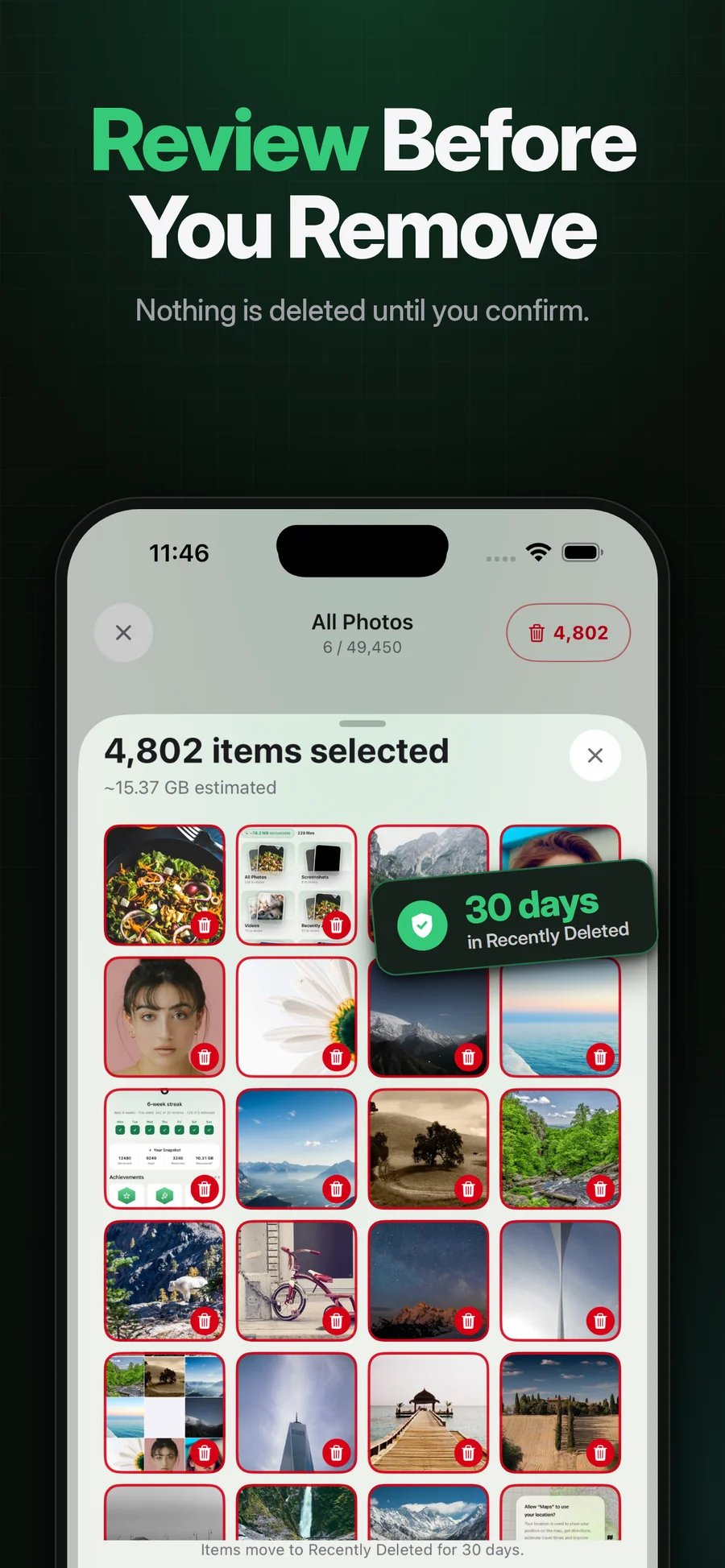
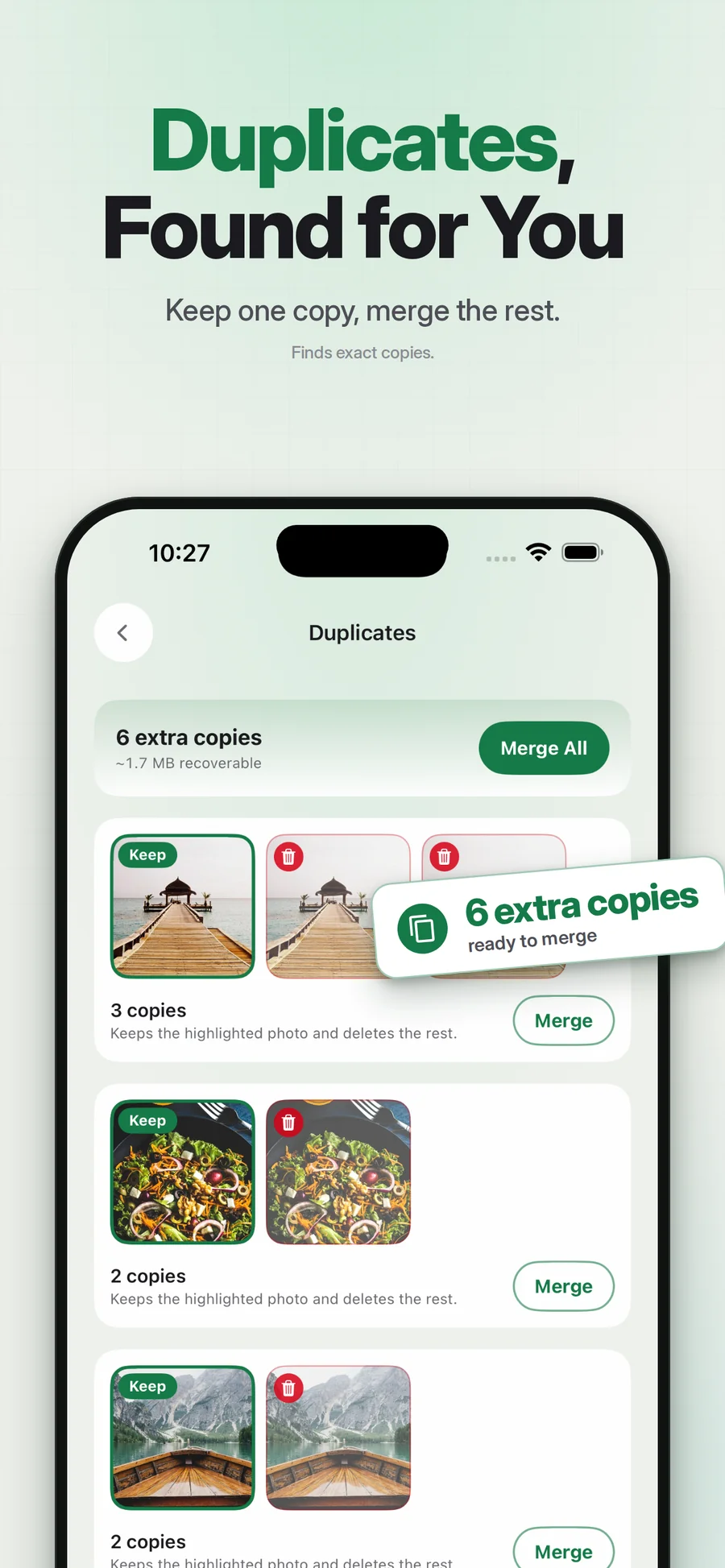
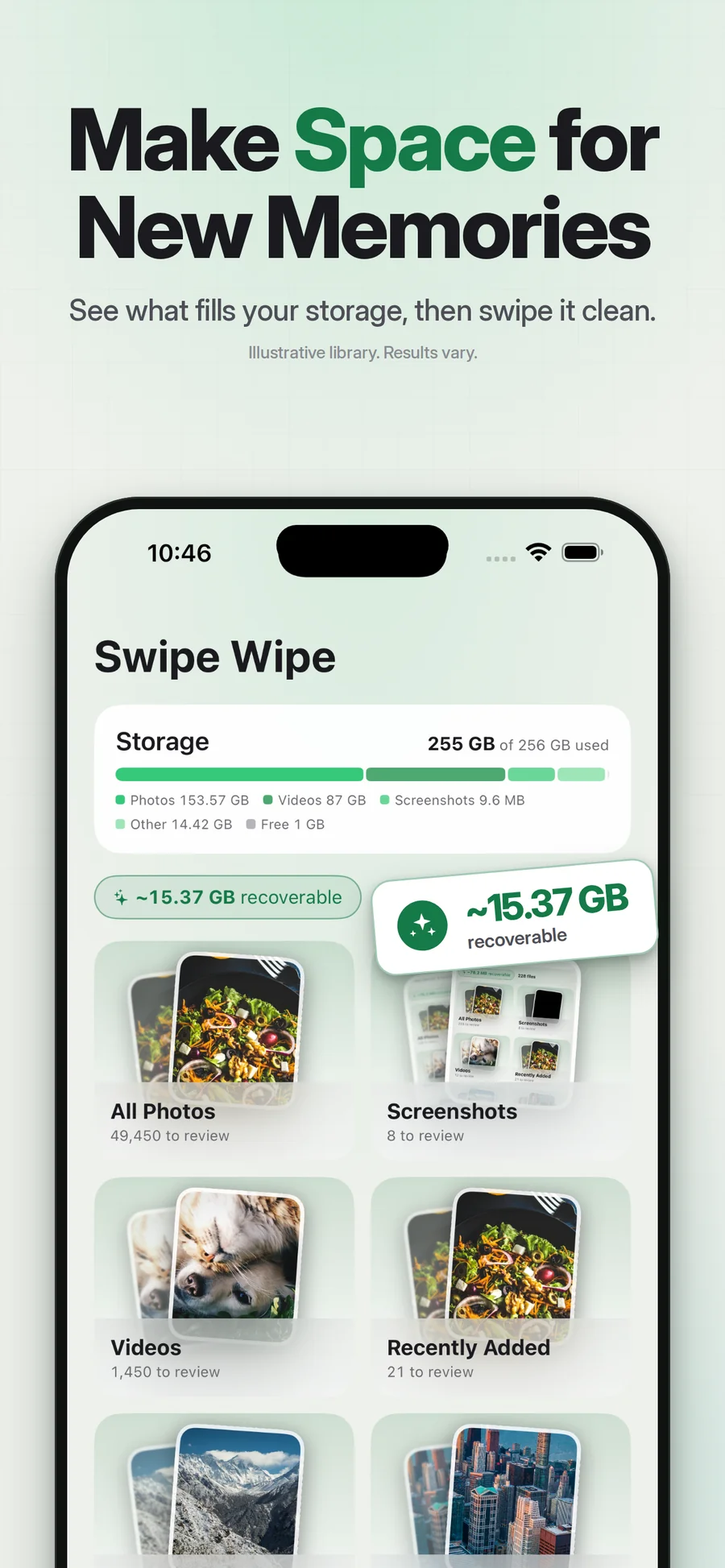
Supplied App Store artwork. Library contents and storage figures are examples. Some screens show the earlier Swipe Wipe name.
A smaller pile to sort through.
Pixtrim includes an old-screenshot finder to help you focus on screenshots rather than unrelated camera photos. Open the relevant cleanup group and review what is there. A screenshot’s age alone does not mean it can be discarded.
Keep useful receipts, account information and reference material. Mark the temporary captures you no longer need, then review the selection before confirming. Finder availability and purchase access are shown in the current app offer.
Simple choices.
A deliberate finish.
Find the old captures
Use the screenshot cleanup area for a focused starting point.
Keep the useful records
Check tickets, receipts and private information before selecting a batch.
Remove selected extras
Review your choices and confirm through iOS.
Less unrelated scrolling
Work on one recognizable kind of media.
Keep the record you need
A review step gives you space to reconsider a temporary-looking capture.
A natural small session
Screenshot cleanup can be a useful starting task before reviewing an entire month.
Can I delete screenshots without an app?
Does hiding screenshots free storage?
Keep exploring.
Keep the photos you love.
Tickets, shopping comparisons, quick reminders. Screenshots add up quietly. Give the old ones a focused review and keep the records you still need.
Get Pixtrim for iPhoneiOS 17 or later · Free to download · In-app purchases