
A whole library?
Start with one month.
You do not need to decide about years of photos today. Pick a month you remember, work through a smaller group and let that be enough.
Get Pixtrim for iPhoneiOS 17+ · Free to download · In-app purchases
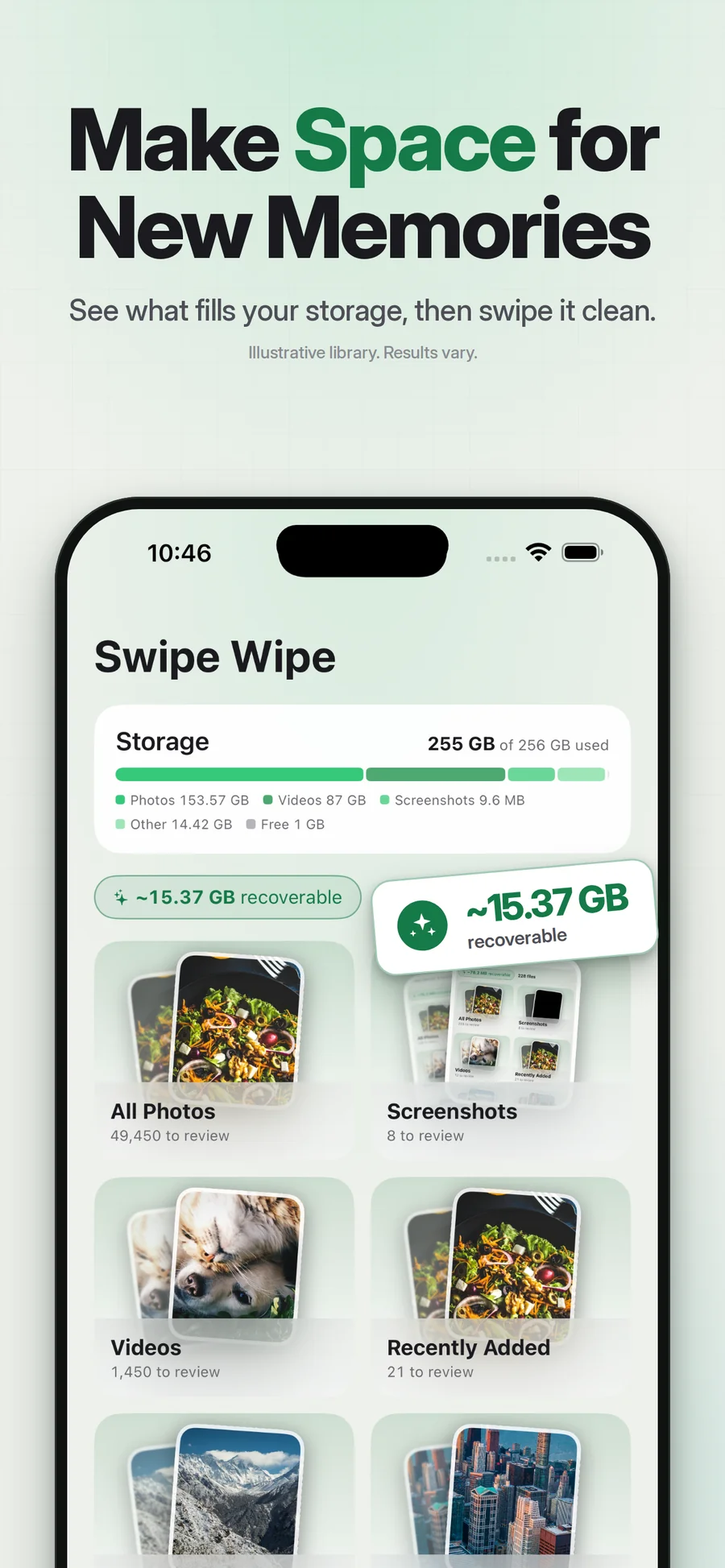
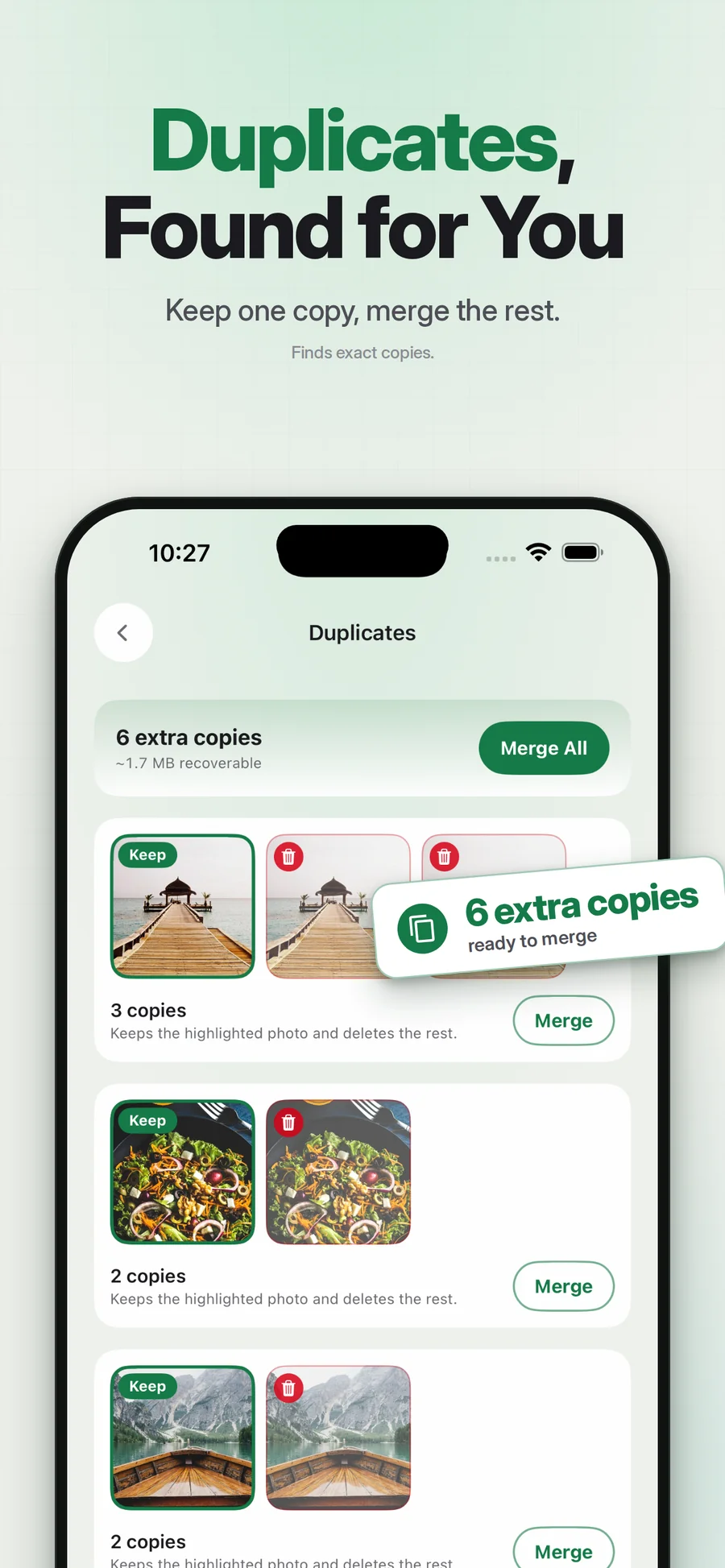
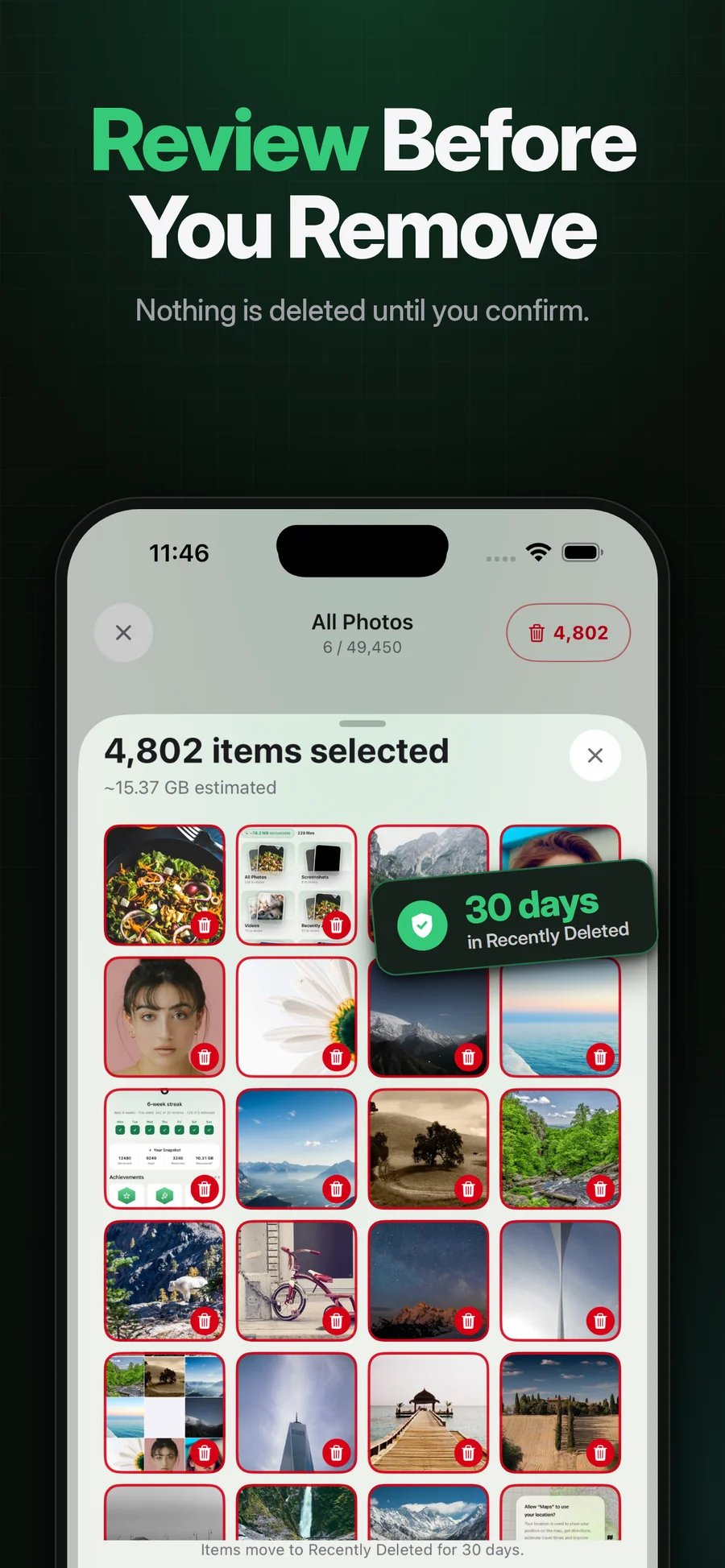
Supplied App Store artwork. Library contents and storage figures are examples. Some screens show the earlier Swipe Wipe name.
Give the session a boundary.
A month or familiar album gives you context: a trip, a season, the run of photos around a particular event. That can make the keep-or-remove decision easier than an open-ended scroll through everything.
Pixtrim supports cleanup by month and album, with saved review progress. Its focus is the cleanup decision. Do not confuse that with a professional photo-management system, automated face organization or an independent cloud archive.
Simple choices.
A deliberate finish.
Pick a familiar group
Start with a month or album whose contents you recognize.
Keep the moments, mark the extras
Review each image with the swipe decision flow.
Finish the session you started
Check the selection and confirm only what you no longer need.
A clearer starting point
A bounded collection can feel more manageable than the entire camera roll.
Context for the choice
Recognizing the occasion helps you compare what is worth keeping.
Room for another day
A smaller completed session is useful even when the rest of the library stays untouched.
Does removing an album delete its photos?
Is Pixtrim a complete album organizer?
Keep exploring.
Keep the photos you love.
You do not need to decide about years of photos today. Pick a month you remember, work through a smaller group and let that be enough.
Get Pixtrim for iPhoneiOS 17 or later · Free to download · In-app purchases