
Missed the focus?
Give it a second look.
Not every soft photograph is a throwaway. Surface blurry candidates, look at what they capture, and keep the ones that still matter.
Get Pixtrim for iPhoneiOS 17+ · Free to download · In-app purchases
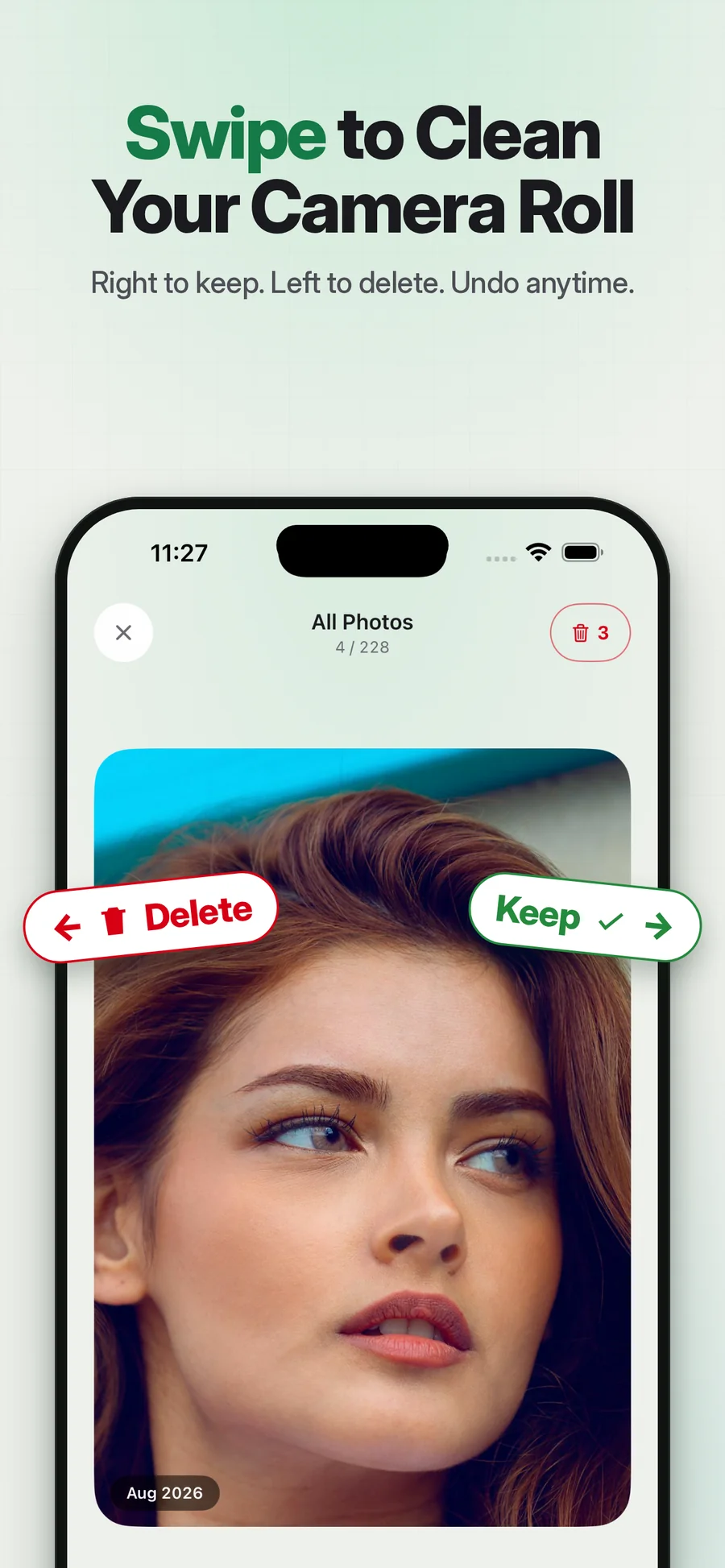
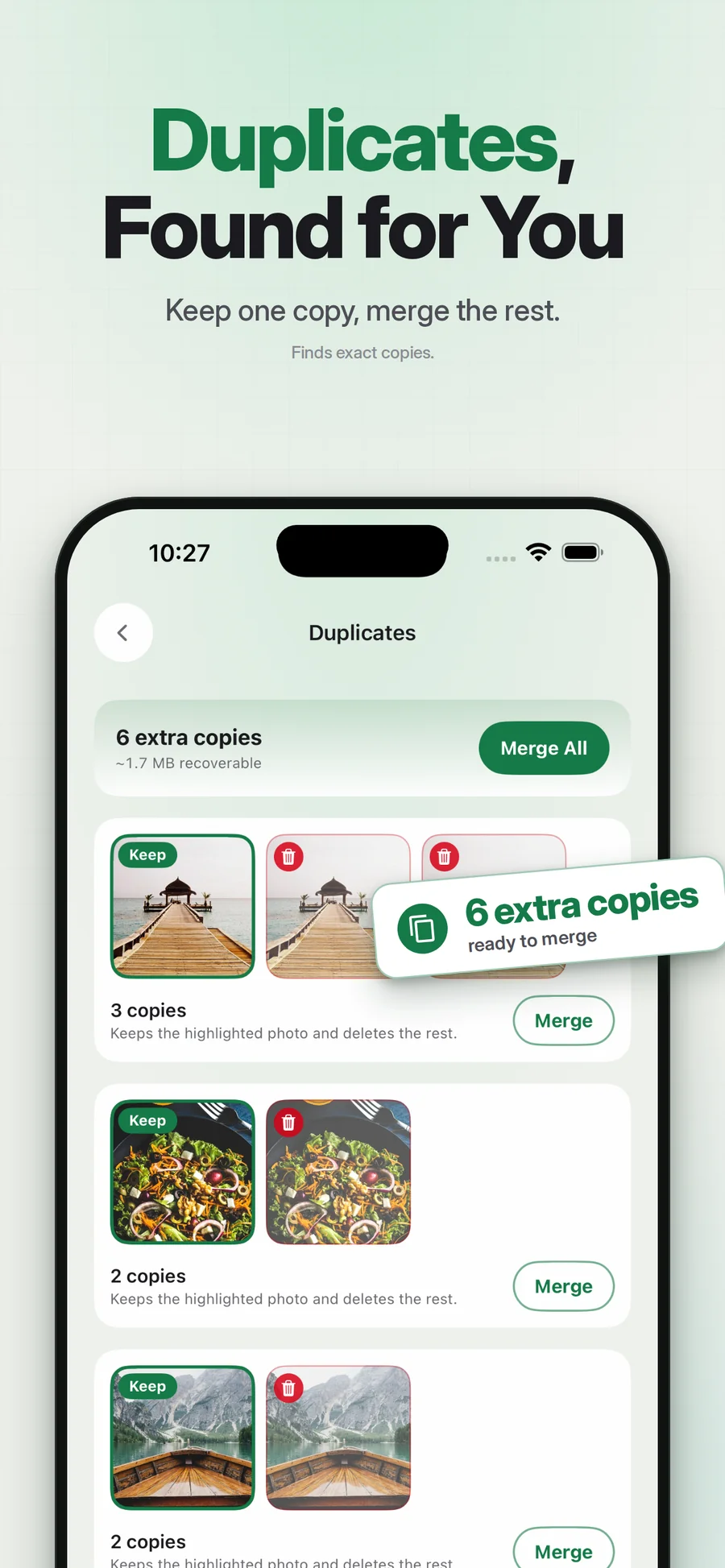
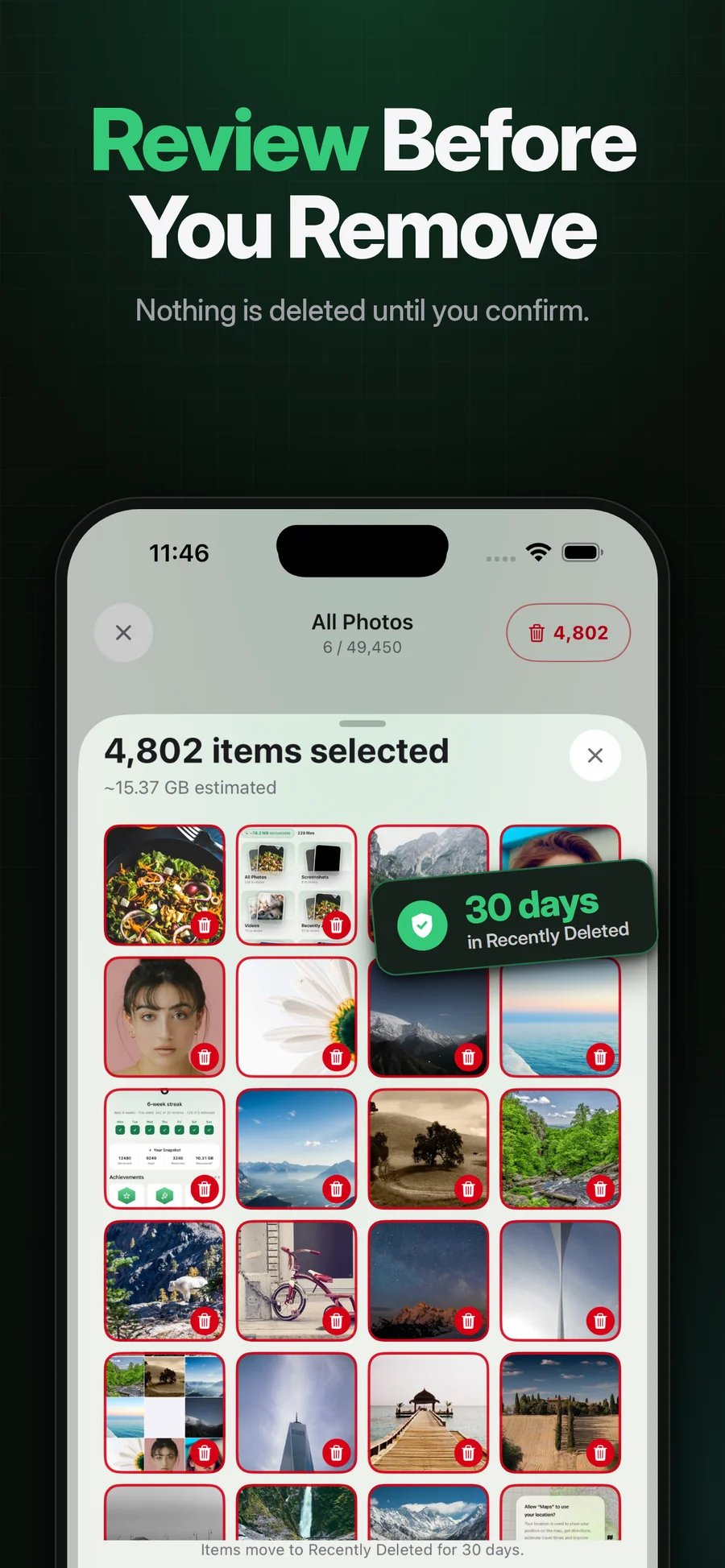
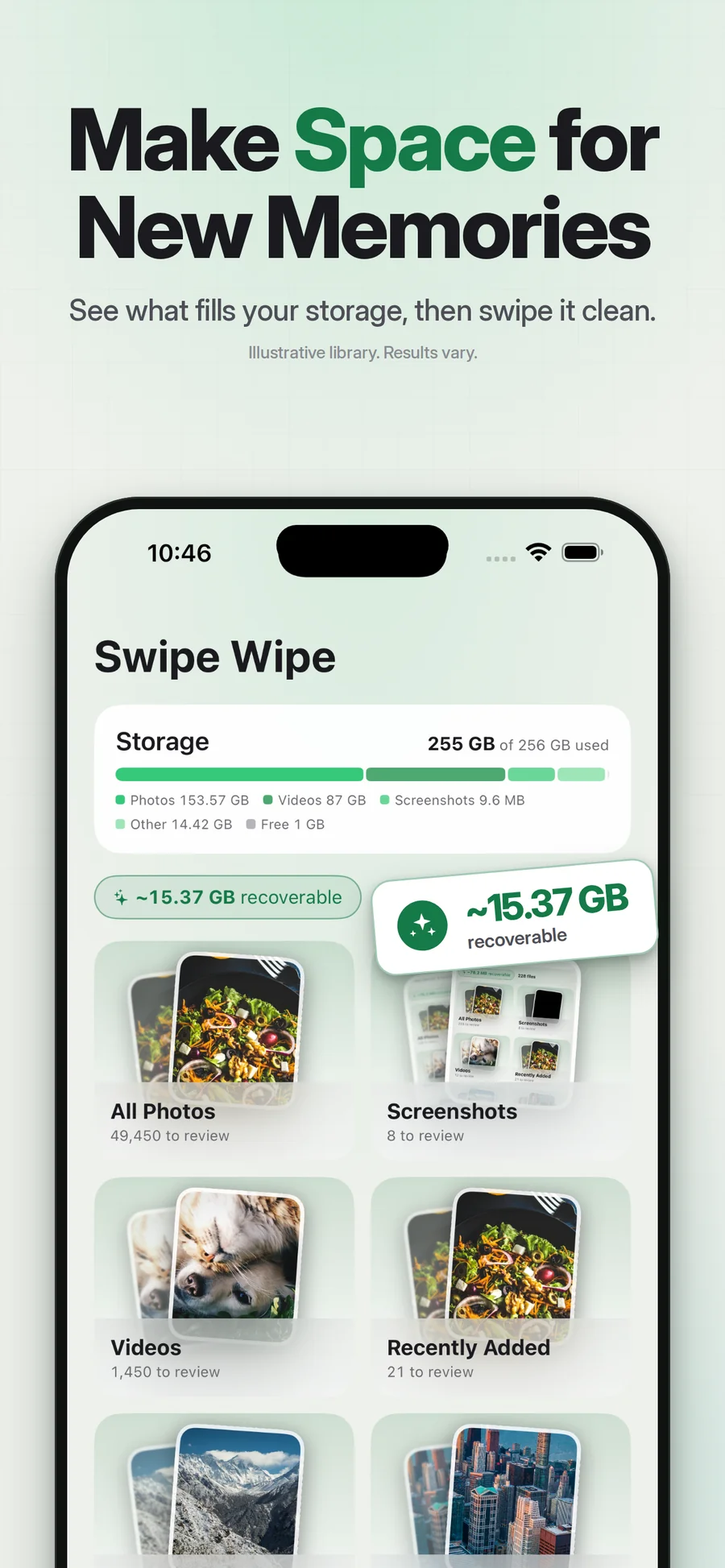
Supplied App Store artwork. Library contents and storage figures are examples. Some screens show the earlier Swipe Wipe name.
A suggestion to inspect, not a verdict.
Pixtrim includes a blurry-photo finder that helps surface candidates for review. A technical blur check can draw attention to a photo, but it cannot know the value of the moment it captures.
Inspect the full picture before marking it. An intentional soft image, an action shot or the only photo of an event may be worth keeping. The feature is about reviewing and deleting selected media; it does not sharpen, enhance or repair a photograph.
Simple choices.
A deliberate finish.
Open blurry-photo review
Use the finder as a starting set of candidates.
Check what the image captures
Keep meaningful photos even when they are technically imperfect.
Confirm only the extras
Review the selected group before approving removal.
A focused review set
Inspect potential missed shots without treating all media as clutter.
A human keep decision
Meaning is more important than a detection label.
No repair promise
This feature finds items to review; it does not turn a blurry original into a sharper one.
Does this fix blurry images?
Should I delete everything the finder flags?
Keep exploring.
Keep the photos you love.
Not every soft photograph is a throwaway. Surface blurry candidates, look at what they capture, and keep the ones that still matter.
Get Pixtrim for iPhoneiOS 17 or later · Free to download · In-app purchases