
Find the repeats.
Keep what matters.
Repeated copies make a library harder to browse. Bring duplicate-photo review into a focused cleanup session, with the final choice in your hands.
Get Pixtrim for iPhoneiOS 17+ · Free to download · In-app purchases
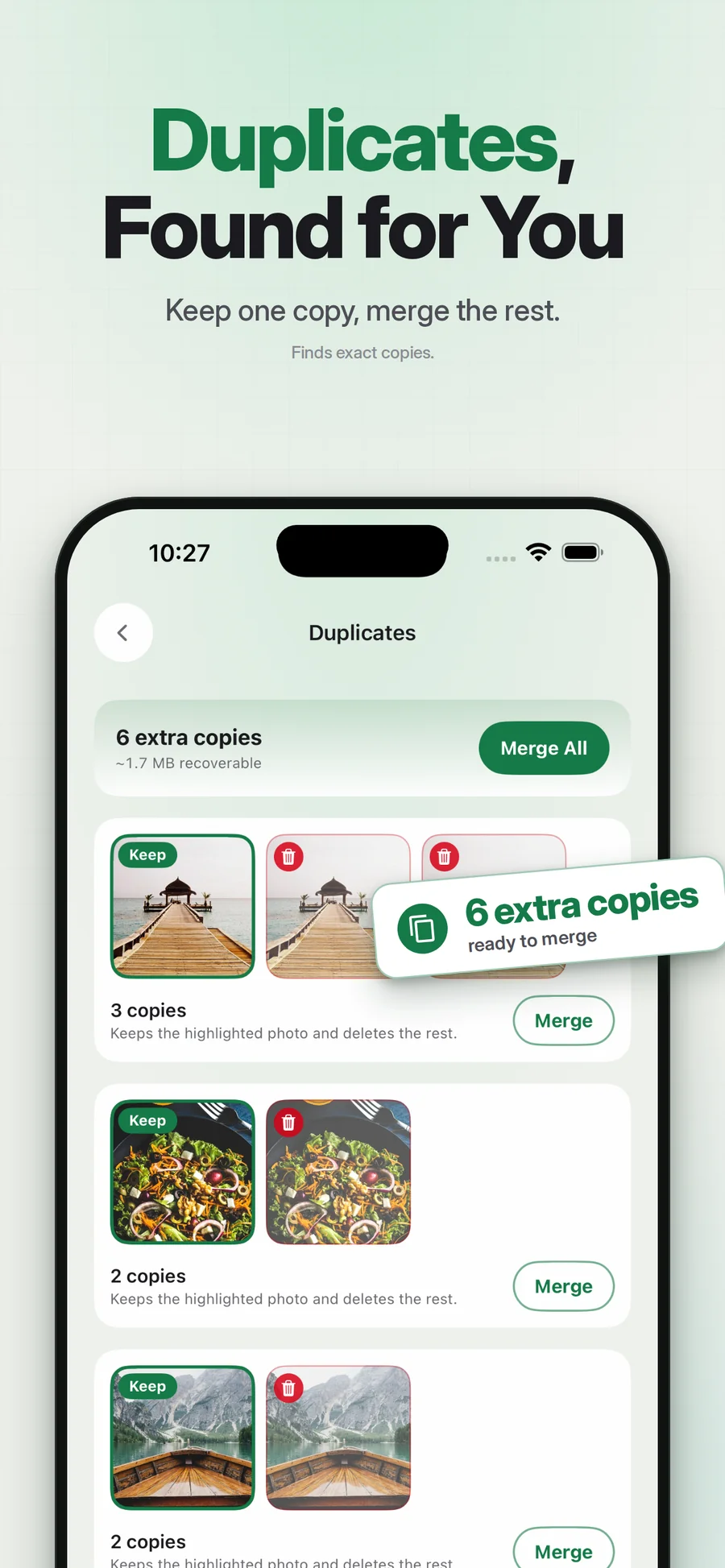
Supplied App Store artwork. Library contents and storage figures are examples. Some screens show the earlier Swipe Wipe name.
A place for repeated copies.
Pixtrim includes a duplicate-photo cleanup area, so repeated copies can become a distinct task rather than another thing to spot while scrolling. Review the detected items and decide which ones you want to retain.
Exact duplicates and similar-looking shots are different. This page describes duplicate cleanup; it does not promise that an automated finder will choose the best expression or remove every near-identical scene. Your review still matters.
Simple choices.
A deliberate finish.
Open duplicate cleanup
Let the app surface detected repeated media for review.
Check the copies
Inspect the photos and keep the versions that matter to you.
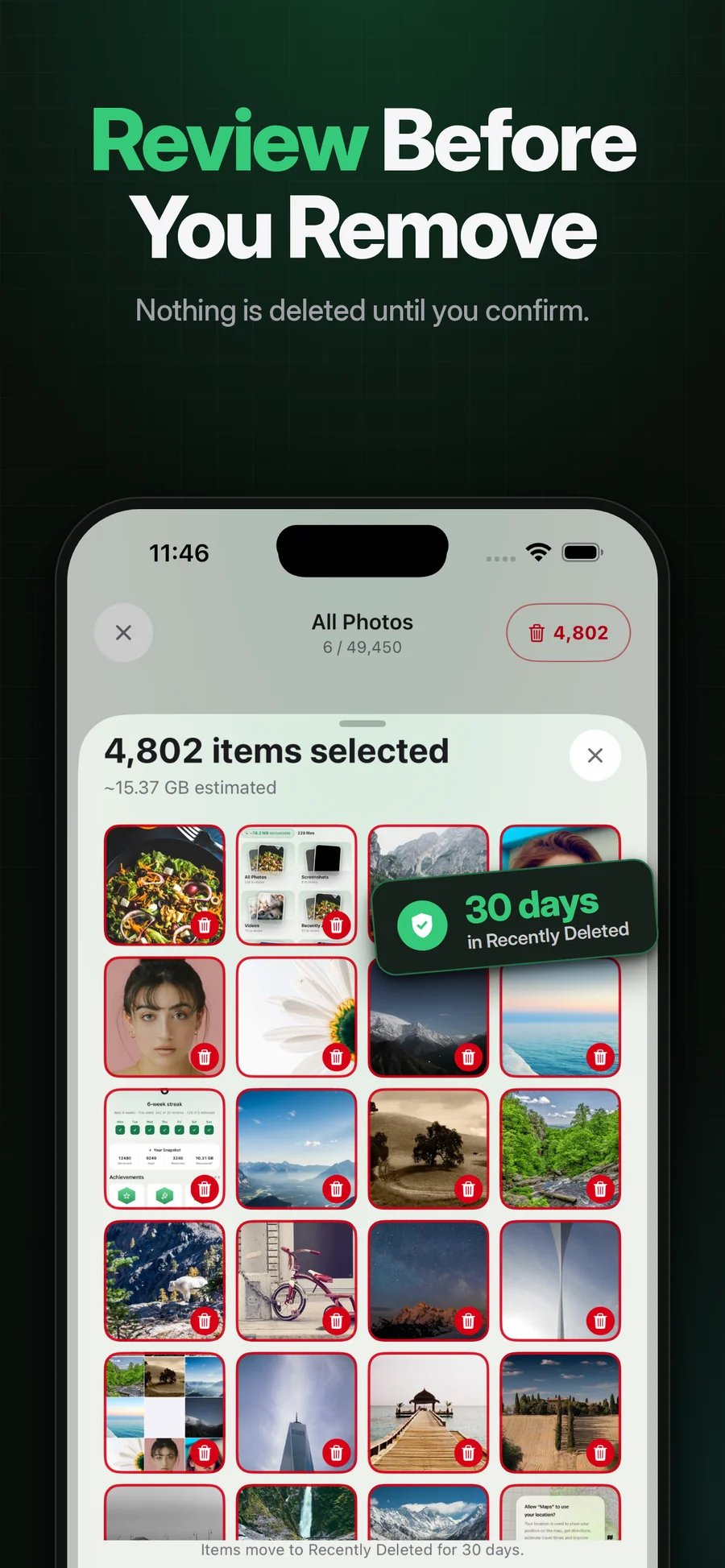
Confirm the selected removal
Review what is marked and read the native operating-system confirmation.
A focused task
Separate repeated-copy review from ordinary browsing.
A deliberate choice
You decide what remains rather than treating every suggestion as disposable.
Part of a wider cleanup
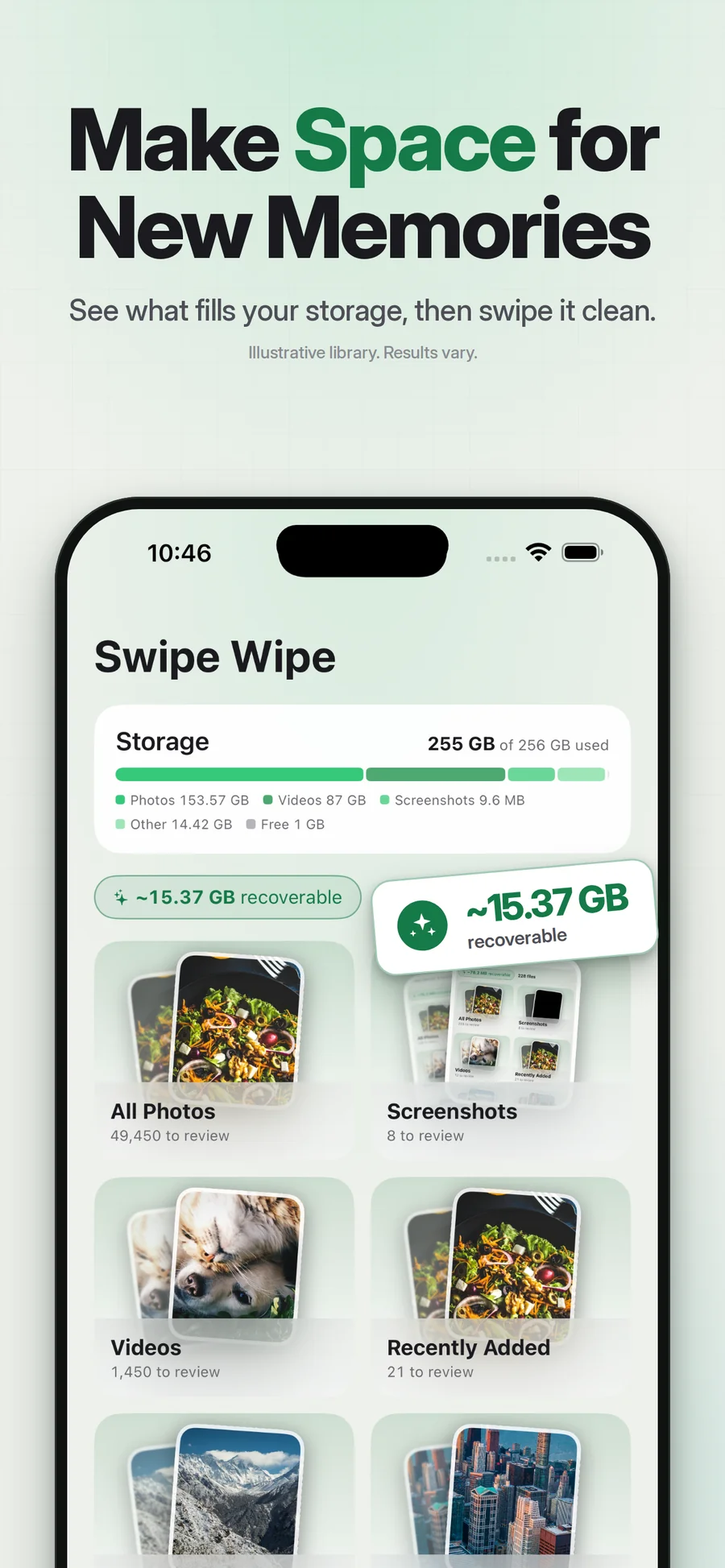
Continue with a month or album when you want to review the rest.
Does iPhone already have duplicate cleanup?
Does Pixtrim automatically pick the best similar photo?
Keep exploring.
Keep the photos you love.
Repeated copies make a library harder to browse. Bring duplicate-photo review into a focused cleanup session, with the final choice in your hands.
Get Pixtrim for iPhoneiOS 17 or later · Free to download · In-app purchases